Upload 6–12 property photos and get a professional AI-generated video with cinematic motion, background music, and your personal branding — ready in 10–20 minutes.
Make My Listing VideoThese 7 listing photos are all it took to create the video above — no camera crew, no editing software, no waiting days.
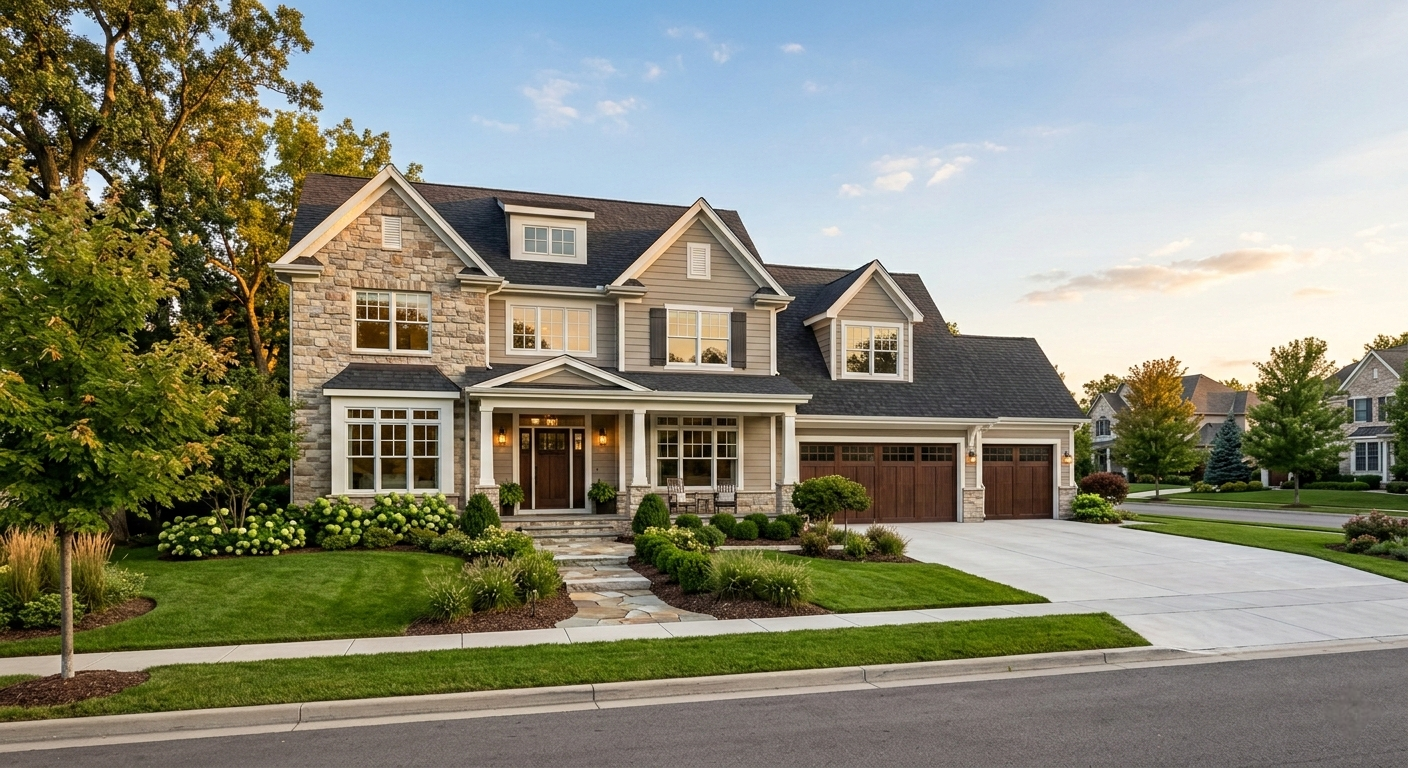
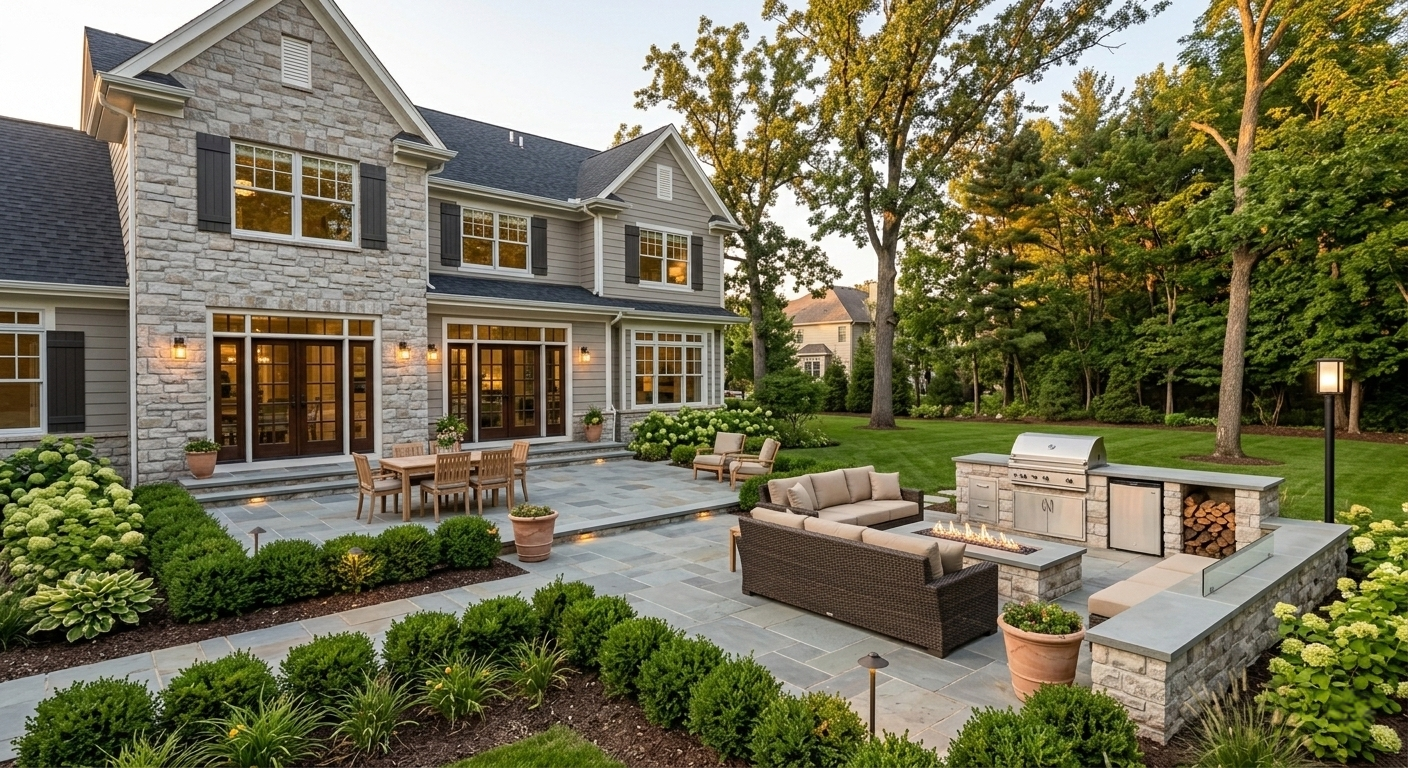
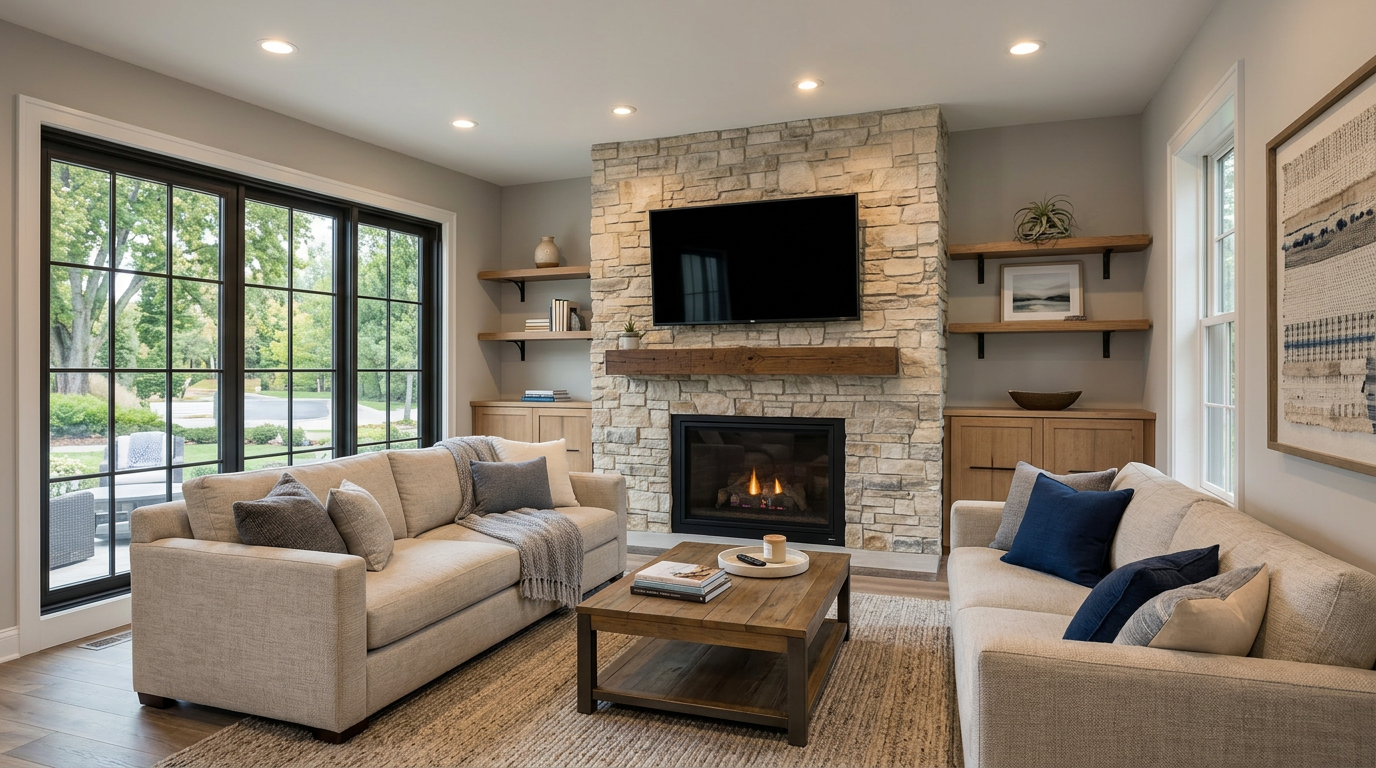
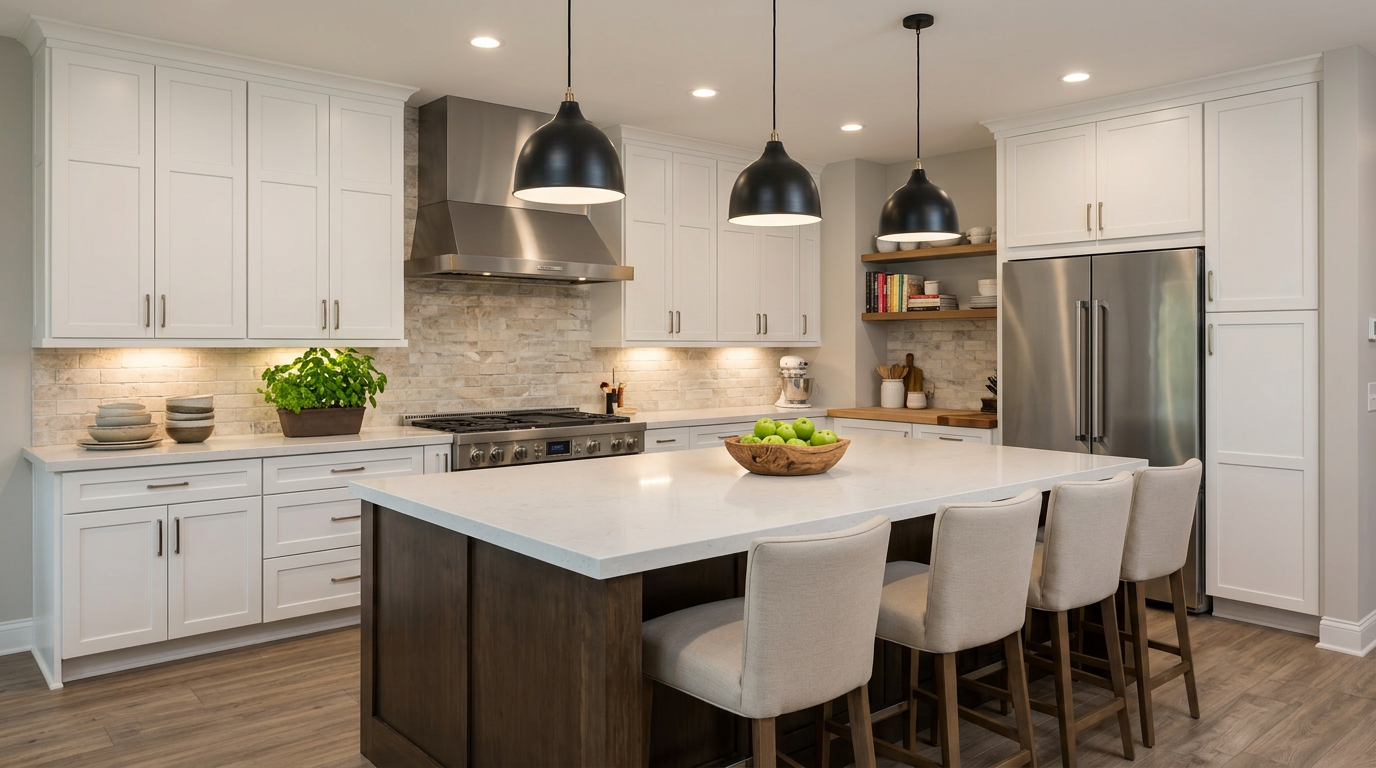
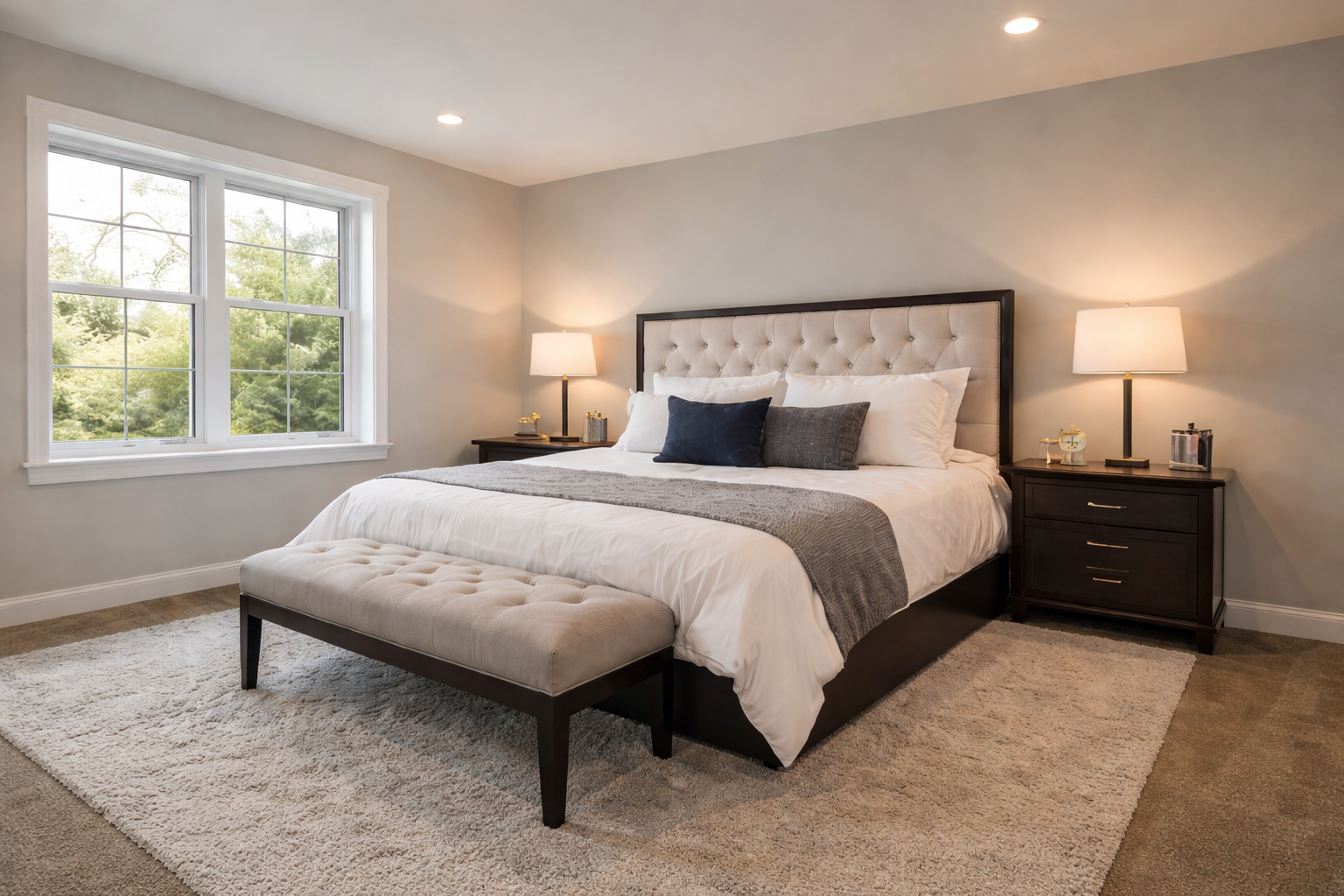
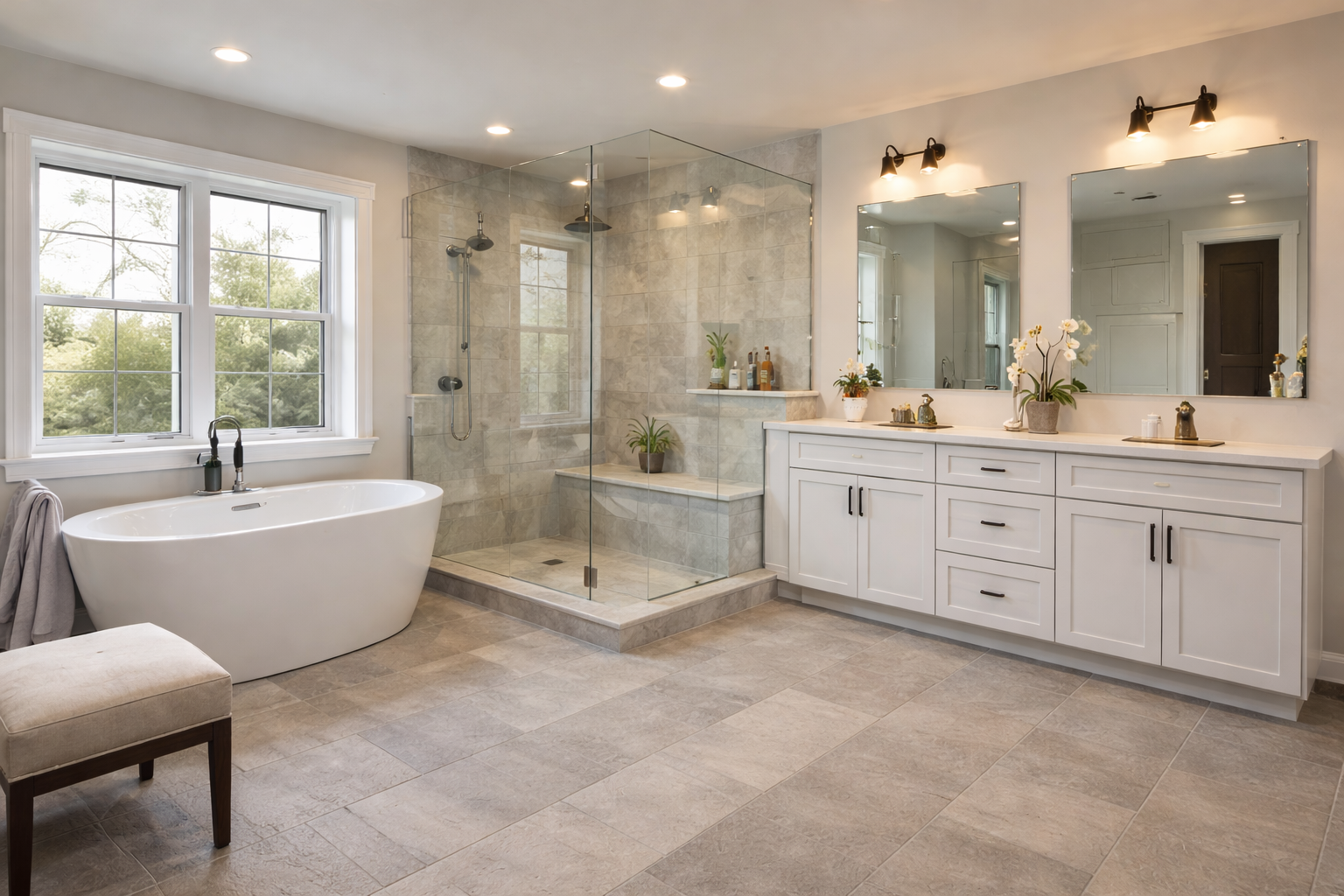
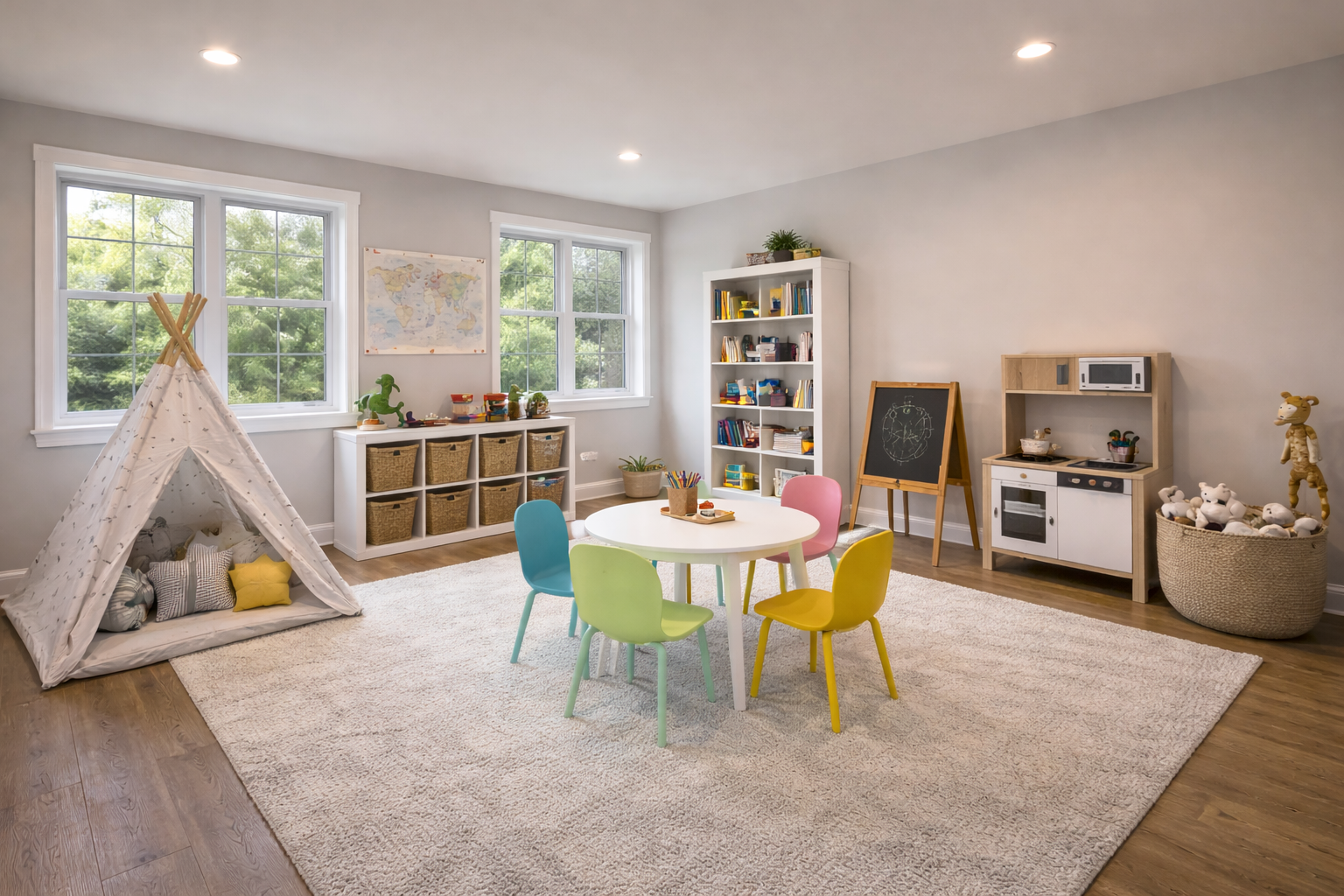
7 listing photos uploaded → one cinematic video
Vertical version included
Perfect for TikTok, Reels & Stories
One upload. One price. A complete, professional video ready to post everywhere.
Our AI generates smooth, professional camera movement for every photo — dolly-ins, pans, and slow reveals that bring your listing to life.
Choose from a curated library of licensed real estate music tracks that automatically fade in and out with your video length.
Your property address is burned onto the opening shot in clean, legible text — no extra editing required.
Upload your logo, add your name, phone, and email. A polished branded card plays at the end on a dark or light background of your choice.
Add the vertical add-on and get a second video optimized for Instagram Reels, TikTok, and Facebook Stories — automatically cropped and ready to post.
When your video is done, a download link lands in your inbox automatically. No account needed, no dashboard to check — just click and download.
The quality of your video depends heavily on the quality of your photos. Here's what works — and what to avoid.
Our promise: We want you to love your video. If anything doesn't look right, just email hello@caliohq.com within 48 hours and we'll make it right — no hassle. Great photos are the foundation of a great video, so well-lit, high-resolution shots will always get you the best result.
No software to install. No account to create. Just upload and go.
Add 6–12 listing photos. Drag and drop in the order you want them to appear. JPEG and PNG both work.
Pick your music, enter the property address, add your branding, and hit Generate. Processing happens in the cloud.
You'll get an email with your download link in 10–20 minutes. Post it to MLS, social media, or send it directly to your clients.
Upload your photos now and have a professional AI video in your inbox today.
Make My Video Now